Buyer Guide · 11 min read · Updated 2026-09-30
Best Router Backup for Apartments
Choose a UPS for brief internet continuity, then measure runtime before assuming it will last for hours.
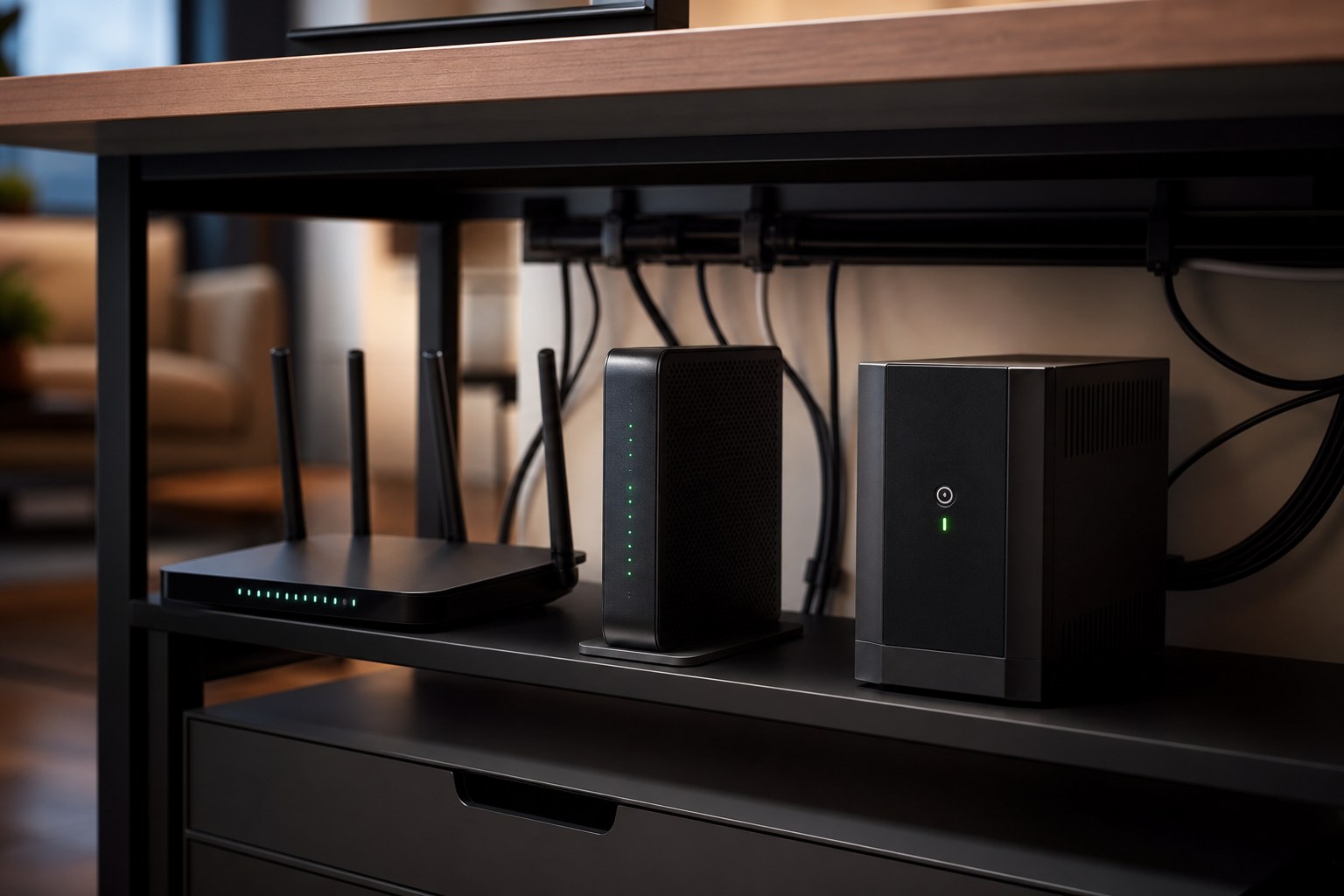
✓The APC BE600M1 is the default conventional UPS because its battery is replaceable.
✓At a published 50W load, the BE600M1 is about 51 minutes and the BE425M about 36 minutes.
✓A 2 to 6 hour goal may require a measured low-watt load, a DC UPS, or a power station.
✓Test every required box: modem, router, ONT, and main mesh node.
Before you choose a battery
Plan your router / ONT backup.
Include your modem, router, ONT, and any mesh nodes or switches needed for internet access and coverage. Count a combined modem/router once.
Use a plug-in meter to measure running watts during normal use. Enter each device once, or put a measured whole-stack total in the first field. Leave unused devices blank. Adapter maximum ratings are upper bounds, not normal consumption; measure unknown watts instead of entering zero.
Read the measurement advice ↓ · More on plug-in meters ↗
This is ideal load energy, not predicted battery runtime. Powered local equipment cannot restore an offline ISP network.
Worked example — illustrative loads, not tested devices
A 7W modem + 8W router + 5W ONT = 20W combined. For four hours: 20W × 4h = 80Wh of ideal load energy, before losses and reserve. Add required mesh equipment to your own total.
Check battery runtime and connection limits
For an AC UPS: use the exact model’s manufacturer runtime curve at your measured load, then test the charged UPS with all required devices following its manual. VA is an output rating; VA alone cannot yield Wh or runtime. Do not scale a published runtime point linearly into a guarantee. A UPS can still be useful for brief continuity.
For a power station: ideal load energy is not the nominal battery capacity you should buy. Conversion losses, inverter idle consumption, low-load cutoff settings, battery age, temperature, and operating conditions can materially change runtime. Check the manual and test your actual setup; this worksheet does not assume a usable fraction or predict hours from battery Wh.
Check the connection too: powered local equipment cannot restore an offline ISP network. Test internet access as well as Wi-Fi, and keep a separate communication option. Consumer backup products are not medical backup systems; use a device-specific plan from the manufacturer and care team for medically necessary equipment.
Renter-fit shortlist
What to compare first.
Each pick lists who it fits and the main caveat before the buying link. Affiliate links may earn a commission.
Pick 1
APC Back-UPS BE600M1
Best conventional router UPS
Best for
A modem, router, fiber ONT, and brief emergency phone top-off
Apartment fit
A compact, familiar UPS with a user-replaceable battery that fits beside a desk, media cabinet, or fiber ONT.
Caveat: Even at a modest 50W load, published runtime is under an hour. Test the complete network stack and record the result.
Published-spec pick · Checked
Current manufacturer model; retail stock and price vary.
APC BE600M1 specifications ↗
Pick 2
CyberPower ST425 Standby UPS
Budget pick for brief outages
Best for
A low-cost modem and router bridge through flickers and short cuts
Apartment fit
Small, light, inexpensive, and easy to place near a router shelf without changing wiring.
Caveat: The sealed battery is not user-replaceable, and this is not the right pick when several hours of Wi-Fi are the goal.
Published-spec pick · Checked
Current manufacturer model; retail stock and price vary.
CyberPower ST425 specifications ↗
Pick 3
CyberPower CP1500AVRLCD3
Best network-plus-desk UPS
Best for
A router, modem, fiber ONT, computer, and monitor sharing one work zone
Apartment fit
Useful when internet gear and a work-from-home desk occupy the same corner and automatic switchover matters.
Caveat: It is heavy and expensive for Wi-Fi alone, and its USB-C port is for small-device charging rather than a modern laptop.
Published-spec pick · Checked
Current manufacturer model; retail stock and price vary.
CyberPower CP1500AVRLCD3 specifications ↗
Comparison table
Router backup comparison
These are conventional AC UPS options. Runtime depends on actual load and battery condition; published reference points are included to prevent multi-hour assumptions.
Best conventional router UPS
APC Back-UPS BE600M1
- Best for
- A modem, router, fiber ONT, and brief emergency phone top-off
- Key specs
- 600VA / 330W, 7 NEMA outlets, one USB-A charging port; APC publishes about 51 minutes at a 50W load
- Apartment fit
- A compact, familiar UPS with a user-replaceable battery that fits beside a desk, media cabinet, or fiber ONT.
- Main caveat
- Even at a modest 50W load, published runtime is under an hour. Test the complete network stack and record the result.
- Evidence
- Published-spec pick · Checked · Current manufacturer model; retail stock and price vary. · APC BE600M1 specifications ↗
Budget pick for brief outages
CyberPower ST425 Standby UPS
- Best for
- A low-cost modem and router bridge through flickers and short cuts
- Key specs
- 425VA / 260W, 8 NEMA outlets; CyberPower rates about 6 minutes at half load and 1.5 minutes at full load
- Apartment fit
- Small, light, inexpensive, and easy to place near a router shelf without changing wiring.
- Main caveat
- The sealed battery is not user-replaceable, and this is not the right pick when several hours of Wi-Fi are the goal.
- Evidence
- Published-spec pick · Checked · Current manufacturer model; retail stock and price vary. · CyberPower ST425 specifications ↗
Compact no-frills alternative
APC Back-UPS BE425M
- Best for
- Basic modem and router backup where footprint matters more than runtime or extras
- Key specs
- 425VA / 255W, 6 NEMA outlets; APC publishes about 36 minutes at 50W and 15 minutes at 100W
- Apartment fit
- Compact enough for tight network corners and simple enough for a low-load, short-outage setup.
- Main caveat
- The battery is not user-replaceable, and the published runtime makes this a short-outage product rather than an all-evening solution.
- Evidence
- Published-spec pick · Checked · Current manufacturer model; retail stock and price vary. · APC BE425M specifications ↗
Best network-plus-desk UPS
CyberPower CP1500AVRLCD3
- Best for
- A router, modem, fiber ONT, computer, and monitor sharing one work zone
- Key specs
- 1500VA / 900W, line-interactive, 12 outlets, LCD, USB-A and low-power USB-C; 12 minutes at half load and 3 minutes at full load
- Apartment fit
- Useful when internet gear and a work-from-home desk occupy the same corner and automatic switchover matters.
- Main caveat
- It is heavy and expensive for Wi-Fi alone, and its USB-C port is for small-device charging rather than a modern laptop.
- Evidence
- Published-spec pick · Checked · Current manufacturer model; retail stock and price vary. · CyberPower CP1500AVRLCD3 specifications ↗
These are published-spec recommendations, not hands-on tests. Live prices are intentionally not quoted because they change quickly. Check the exact model, current price, availability, included accessories, warranty, and return policy before buying.
Why internet backup pays off first
A working connection can preserve building alerts, utility status, Wi-Fi calling, family messages, and light work if the provider's neighborhood equipment remains online. The household load is usually modest, which makes router backup one of the least expensive outage improvements.
A UPS also prevents brief cuts from rebooting every network box. That automatic bridge may be more valuable than maximum battery time when the common problem is flicker, maintenance, or a series of short interruptions.
Published runtime is the reality check
Small UPS ratings describe maximum apparent power, not hours. APC publishes about 51 minutes for the BE600M1 at a 50W load and about 36 minutes for the BE425M at 50W. CyberPower rates the ST425 for about six minutes at half load, a much higher load than a router but a useful warning against treating 425VA as an endurance number.
A very efficient modem-router stack may run longer than those reference points, but the only trustworthy household number is a timed test. Battery age, temperature, inverter overhead, and every extra box affect the result.
List every required box
Cable internet may need a modem plus router. Fiber may need an optical network terminal plus router. A mesh system needs its main node, but not necessarily every satellite. If one required box loses power, Wi-Fi can remain visible while the internet path is dead.
Measure the combined load with a plug-in meter if possible. Keep optional switches, speakers, lamps, printers, and monitors off the router-only UPS. Less load means more runtime and fewer points of failure.
UPS vs DC UPS vs power station
A conventional AC UPS is the simplest automatic solution, but it converts battery DC to AC and each network power brick converts it back to DC. A compatible DC UPS can be more efficient, but voltage, current, polarity, connector size, and switchover behavior must match every device.
A portable power station is the better endurance tool when internet is only one part of the outage plan. It can support network gear, phones, laptops, lights, and fans, but many require manual connection and their advertised UPS modes vary. Test the behavior you intend to rely on.
Choose the right UPS tier
The APC BE600M1 is the best conventional starting point because it provides a useful published low-load reference and a user-replaceable battery. The ST425 and BE425M fit budget, footprint, and brief-outage priorities, but sealed batteries reduce their long-term serviceability.
The CyberPower CP1500AVRLCD3 belongs in a network-plus-desk setup. Its 1500VA rating, automatic voltage regulation, LCD, and 12 outlets are wasted on Wi-Fi alone, and its published half-load runtime is still only 12 minutes because half load is 450W.
Set a target the product can meet
If the goal is automatic continuity through flickers and the first 30 to 60 minutes, a compact AC UPS is well matched. If the goal is two to six hours, measure the actual load and expect to consider a purpose-built DC unit or a power station rather than assuming a larger VA label solves endurance.
After installation, charge the UPS fully, unplug it from the wall, confirm the complete network remains usable, and time it to shutdown. Repeat at least twice a year. Replace the battery or unit when runtime meaningfully declines, following manufacturer instructions.
Sources and further reading
Safety and technical claims were checked against the primary sources below on .
- EcoFlow: watt-hours and load energy ↗: The worksheet uses Wh = watts × hours for constant measured loads; this is ideal load energy, not delivered battery capacity.
- Schneider Electric / APC UPS buying guide ↗: Output watts, VA, and runtime are distinct; additional connected equipment reduces available runtime. Exact model sources remain beside each pick.
- CyberPower ST425 runtime curve ↗: The manufacturer labels the curve approximate and dependent on battery age, charge, environment, and other variables. Use the curve at your measured load, then test your setup.
- BLUETTI power station runtime FAQ ↗: The manufacturer's runtime formula accounts for depth of discharge, inverter efficiency, and station self-consumption; ideal load energy alone is insufficient to predict runtime.
- Anker SOLIX C300 manual: low-load output shutdown ↗: A manufacturer example of low-current USB port shutdown. Thresholds and timeout behavior vary by model and port; consult the manual for the exact unit you use.